 INCISOR®
A game engine and its editor, in one app.
Incisor® is a development platform for 2D and 3D games and interactive apps. You write the game in JavaScript or TypeScript against one API. You open the same project in a visual editor that shows it running, where artists, designers and animators build, arrange, animate and tune without touching code. When it's done, one project publishes as a web page, a Mac or Windows app, or a build for gaming hardware. Studios ship commercial games with it today, and the same tools that make a slot machine make a shooter.
Three jobs, one project.
Programmers
A small, consistent API with autocomplete and documentation built in. Save a file and the running project reloads. TypeScript compiles inside Incisor®. Errors and breakpoints point at your own source.
Artists and animators
Build groups of objects called Constructs, animate them on Timelines with keyframes and curves, import Spine characters with physics, tune particles and sounds, all in the editor while the game runs.
Studios
One team, one project, every target. Lazy loading, asset optimization and publishing analysis are built in, and the whole toolset is scriptable from the command line and from AI assistants.
Code and editor, same objects.
A project is a folder on disk. Code goes in ProjectCode, images, fonts and sounds go in Assets, and Incisor® watches both. This is the entire starting code of a new project:
class ProjectMain
{
    init()
    {
        this.text = new TextAssembly();
        this.text.string = "Hello!";
    }
}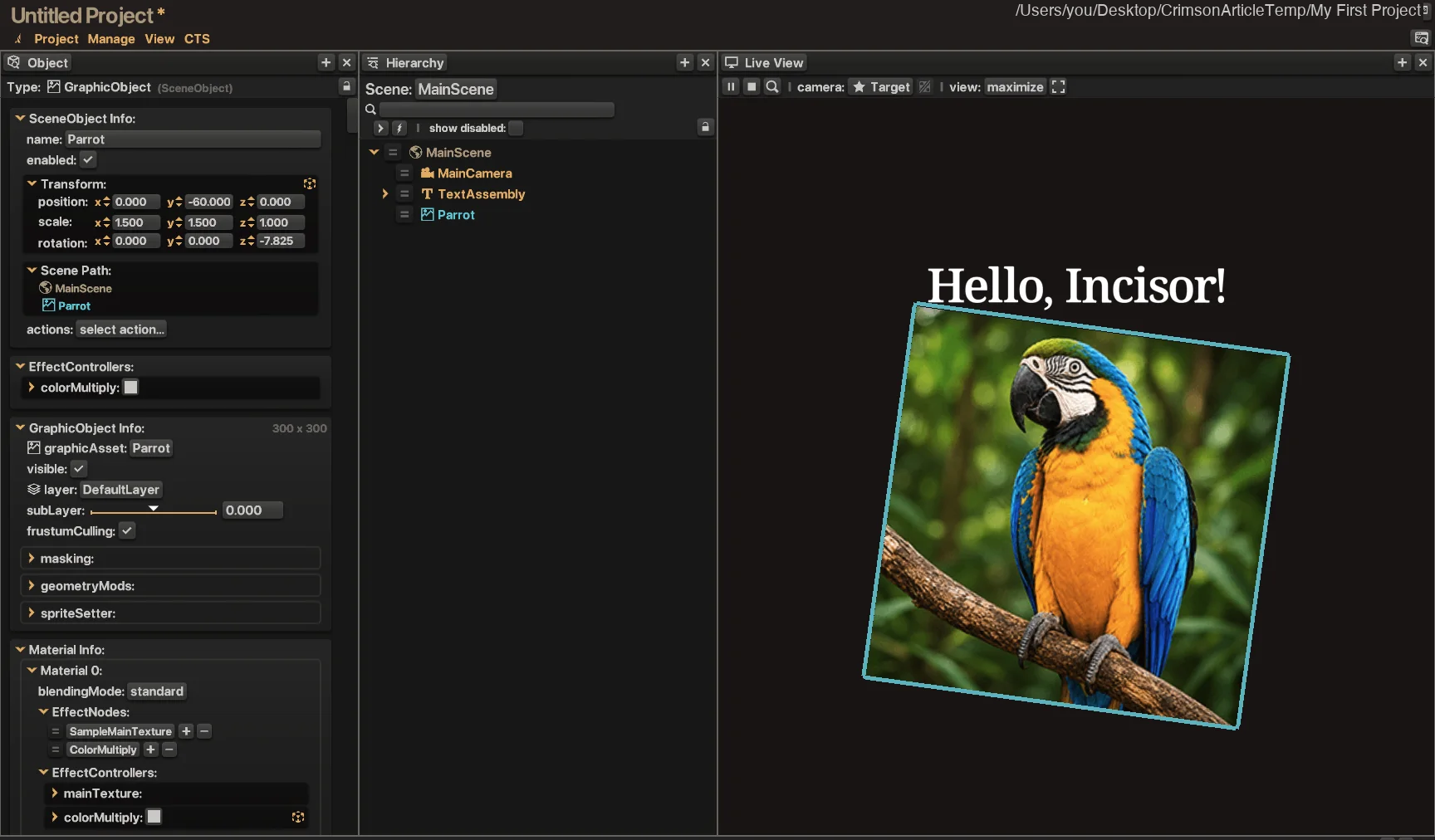
The editor looks at your running code
Every object your code creates appears in the Hierarchy. Select one and the Object panel shows its position, scale, graphic, material and effects, live. Change a value and the game changes. Drop a PNG into the Assets folder and it is in the API a second later.
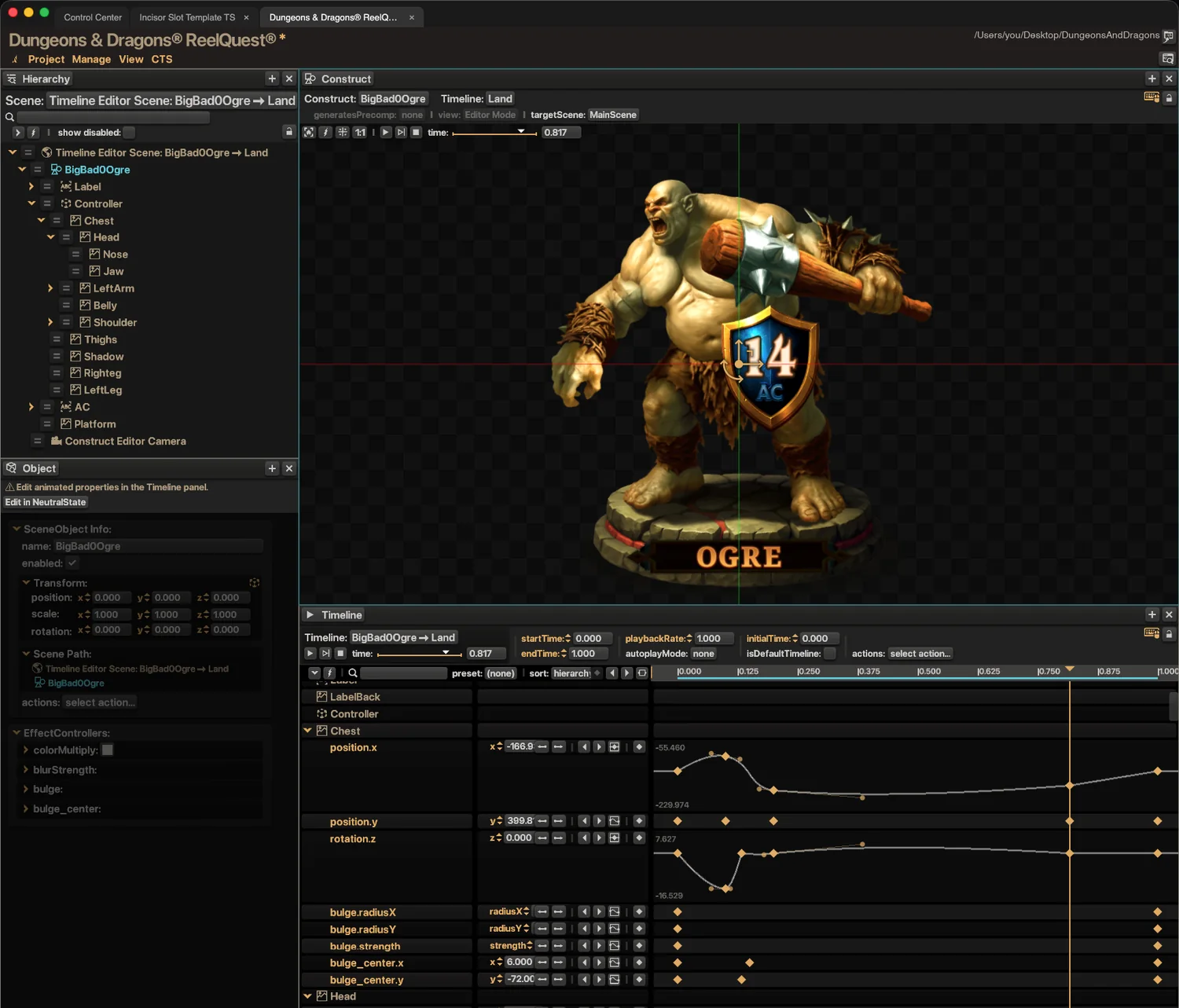
Artists build Constructs, code plays them
A Construct is a group of objects built and animated in the editor and saved with the project. Code populates one by name and plays its Timelines. That is the handoff between art and code, and it goes both ways.
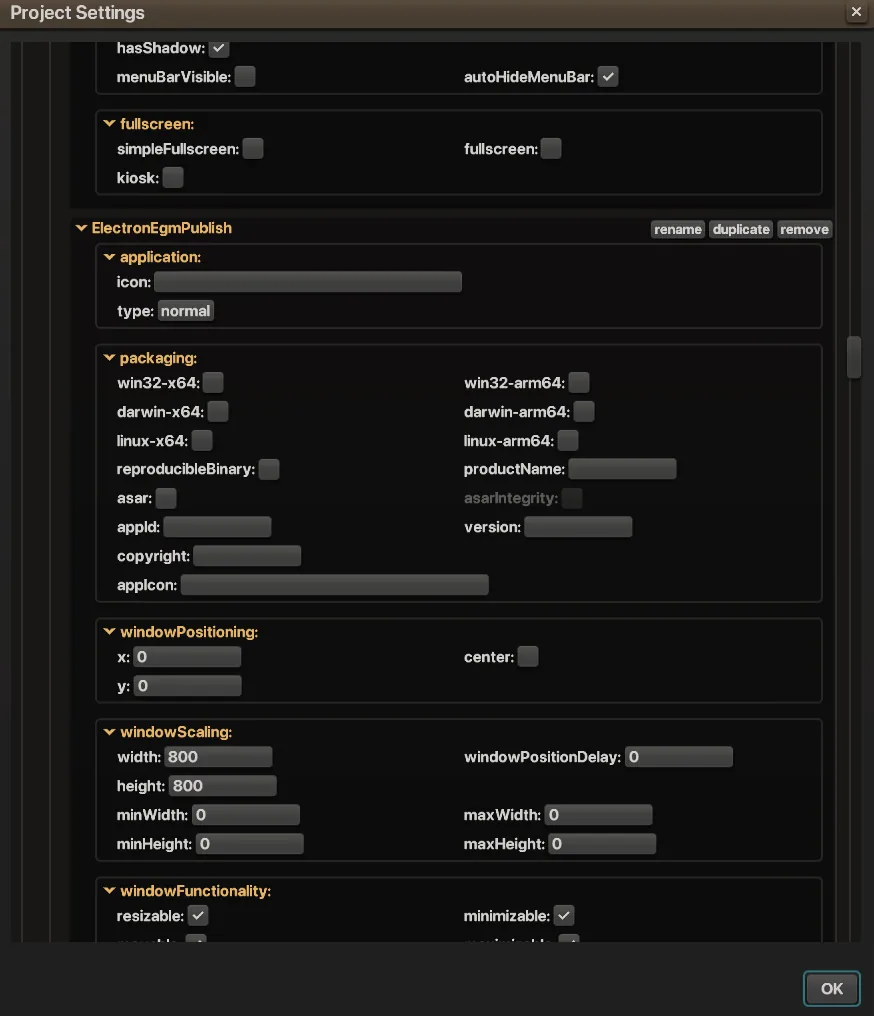
One project, every target
Publishing produces a folder of static files for the web, a Mac or Windows app, or a build for gaming hardware, from the same project and the same code. Loading tiers decide what downloads first, so a game starts in seconds and streams the rest.
Open any of these and read the code.
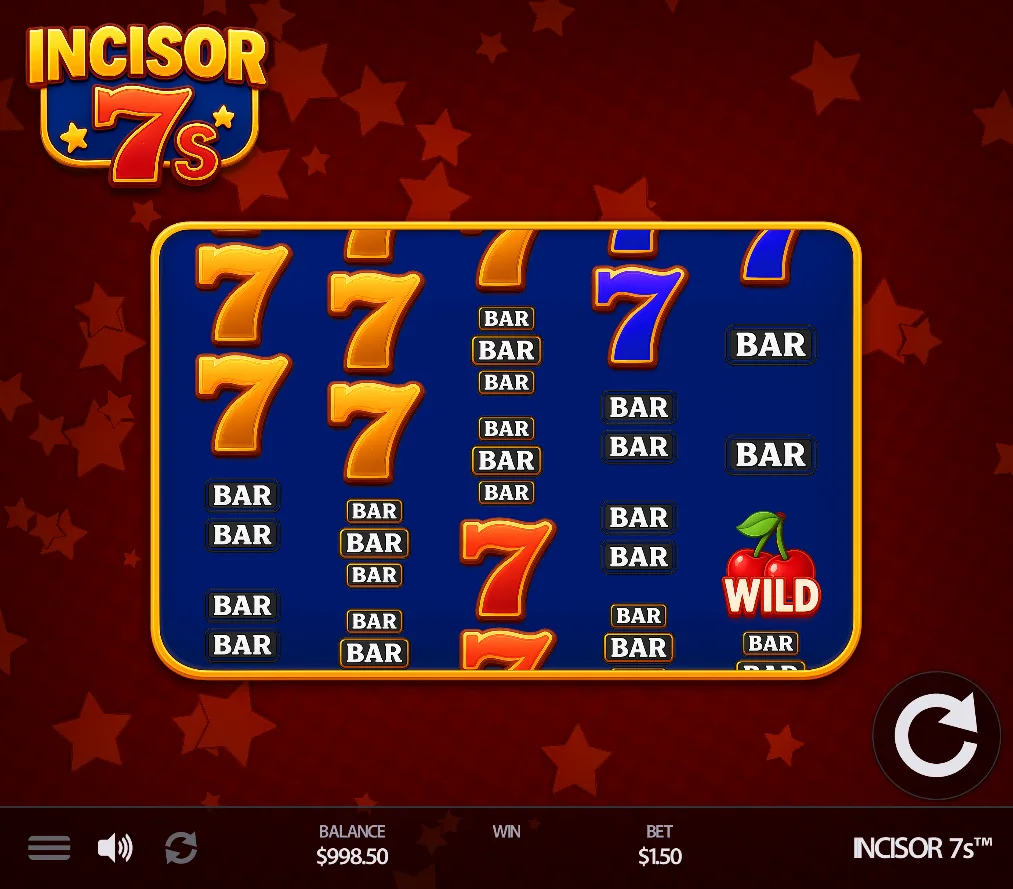
The Project Gallery inside Incisor® ships with games and game vignettes. They are not screenshots; they are projects, and every one opens in the editor.
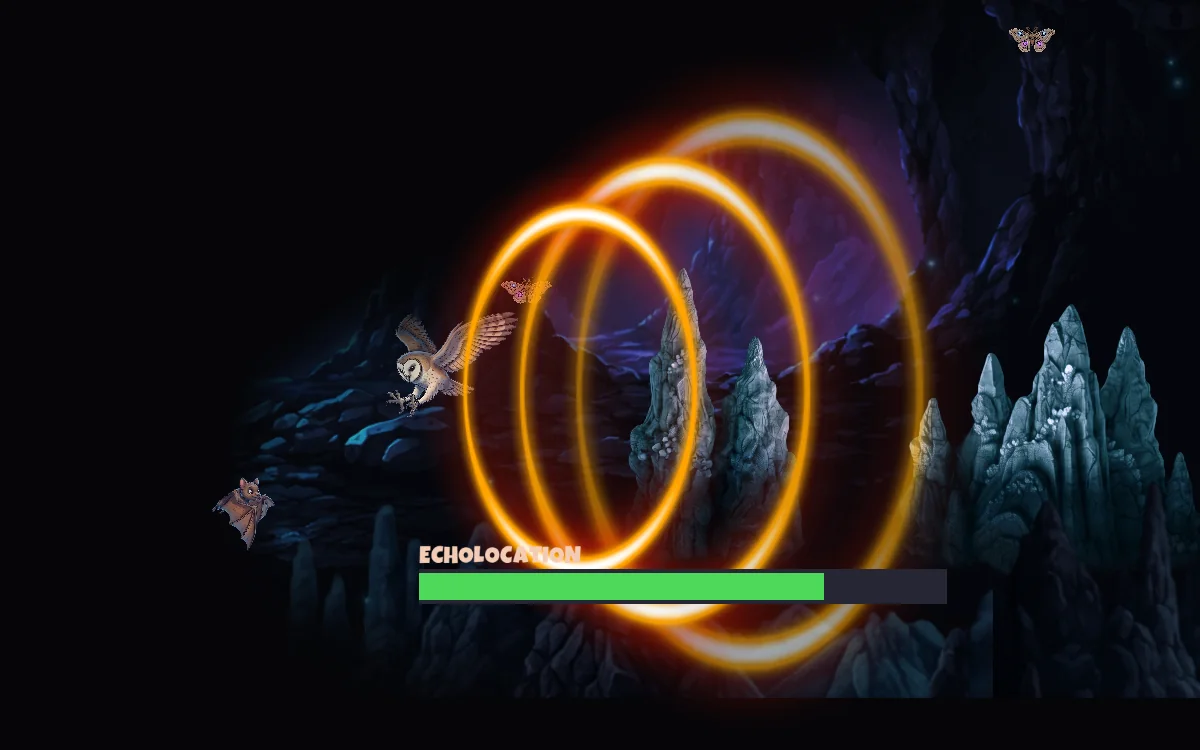
Everything comes in one download.
The app
Engine and editor in one window, with a tab per project and a Control Center that holds the Project Gallery and your recent work.
Code tools
JavaScript and TypeScript, a built-in compiler, autocomplete, source maps, editor debugging and a command line.
Creative tools
Constructs, Timelines, Spine import with physics, particle systems, text and fonts, sounds, project data and a Symbol Reel editor.
Shipping tools
Publishing configurations, desktop packaging, loading tiers, asset optimization and publishing analysis.
Learning
The Project Gallery, a Template Library of working examples, the full API documentation and the Knowledge Base, all offline inside the app.
AI
A public MCP server, VS Code plugins for Claude and ChatGPT, and a command line that lets an assistant run and test your game.
For the full list, see every feature, or the tour of the current release in What's New in Incisor® Crimson.
Nearly all of it costs nothing.
Incisor® Free
The real toolset with daily usage limits instead of missing features. No trial clock, no credit card. The limits are the only meter.
Incisor® Pro
Lifts the daily limits, removes the splash screen from published projects, unlocks the remaining optimization tools and works offline for up to four days. Upgrade from inside Incisor®.
What Free includesHalf an hour from download to published.
Getting Started with Incisor®
Install, sign in, play a game, take a lap around the editor, write ten lines, edit them in the GUI, publish. Written for JavaScript with notes for TypeScript.
Or just download it. Get Incisor®, open the Project Gallery, and press Run on anything.